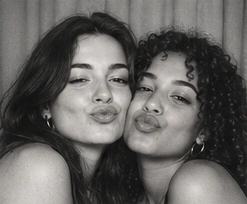
%22%2F%3E%3C%2Fsvg%3E)
Classic White
Slim white borders, straight corners, and closely spaced portraits. The familiar look of a classic photo booth print.
Less color. More character.
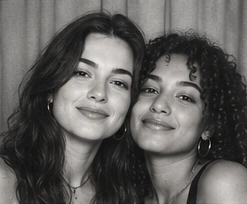
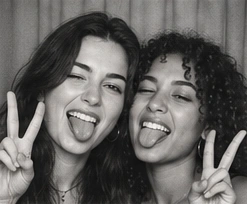
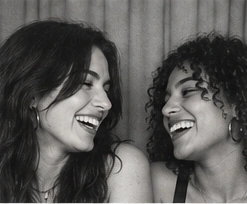
A smile, a sideways glance, the laugh you couldn’t hold in. Turn your moments into timeless black and white photo strips. Take new photos or upload your favorites, then choose a frame that feels like you.
Free to use · No sign-up · Camera or upload
Your photos. Your layout. A keepsake to download.
%22%2F%3E%3C%2Fsvg%3E)
%22%2F%3E%3C%2Fsvg%3E)
%22%2F%3E%3C%2Fsvg%3E)
Minimal, dramatic, or a little nostalgic. Each template starts with a monochrome filter, and you can change your layout and finishing touches in the booth.
Slim white borders, straight corners, and closely spaced portraits. The familiar look of a classic photo booth print.
A narrow black border and dark dividers give each expression its own space. Simple, intimate, and inspired by traditional darkroom prints.
Soft gray tones, subtle grain, and gently uneven photographic edges. A quieter, faded finish for candid smiles.
Lightly aged paper, fine irregular photo edges, and monochrome portraits. A small keepsake with the feel of an old booth print.
From your first pose to the final PNG, everything happens in your browser. Choose a strip for a sequence, a grid for a collection, or a single frame for one moment.
Start with a template above, then select your layout in Capture. Allow camera access and use the countdown to get ready, or upload existing photos and adjust their crop.
Continue to Customize to try another frame, compare Grayscale and Noir, or add a sticker. Add a short message beneath your photos. Check that faces and hands fit comfortably inside each photo.
Save the finished photo strip as a PNG with your frame and edits included. Send it to a friend or keep it in your digital scrapbook. Use Retake Photos if you want another try.
Try the difference
Removing color brings expressions, light, and texture forward. Grayscale keeps a softer range of tones. Noir adds contrast for deeper shadows and a more dramatic portrait.
Use the same photo to compare them here. In Customize, you can apply these filters to your own pictures before downloading. For a clean glam-inspired result, start with soft light and a simple background; the filter doesn’t retouch skin.
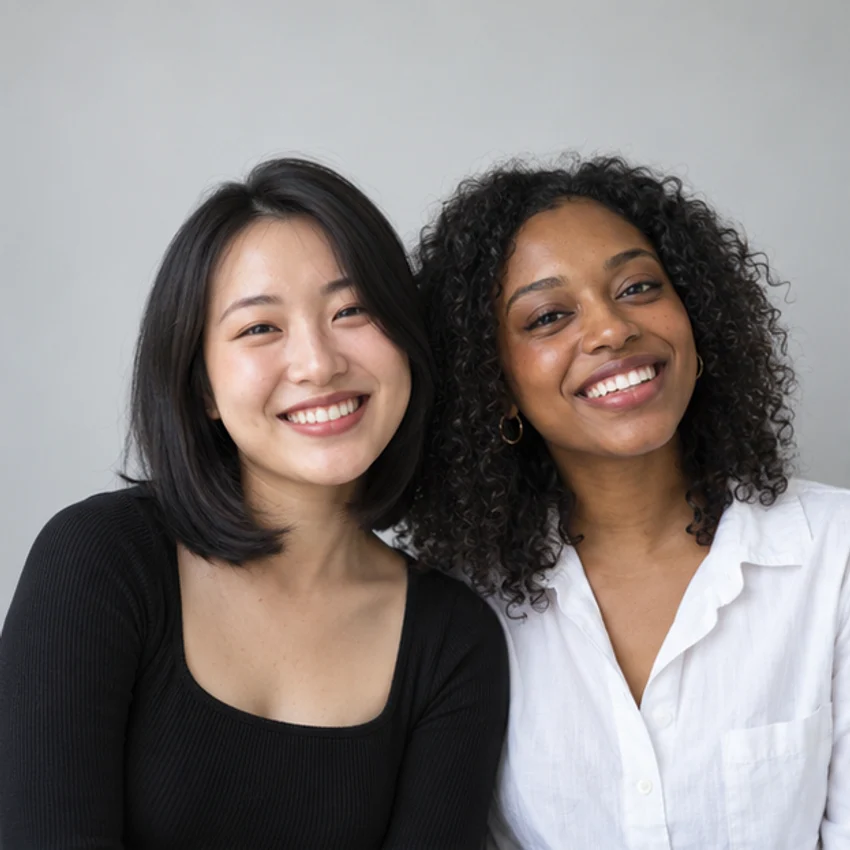
%22%2F%3E%3C%2Fsvg%3E)
%22%2F%3E%3C%2Fsvg%3E)
The charm of a vintage black and white photo booth is in the sequence: a composed first pose, a silly face, then a genuine laugh. You don’t need every picture to be perfect for the strip to tell a story.
Choose Soft Silver for gentle gray tones, Vintage Paper for an aged-paper finish, or Classic White for a clean narrow border. Leave room around your faces while shooting so a different layout still has space to breathe.
Start making your photo strip →Monochrome connects pictures even when clothes and surroundings have different colors. Start with an occasion, then let your expressions give the collection its personality.
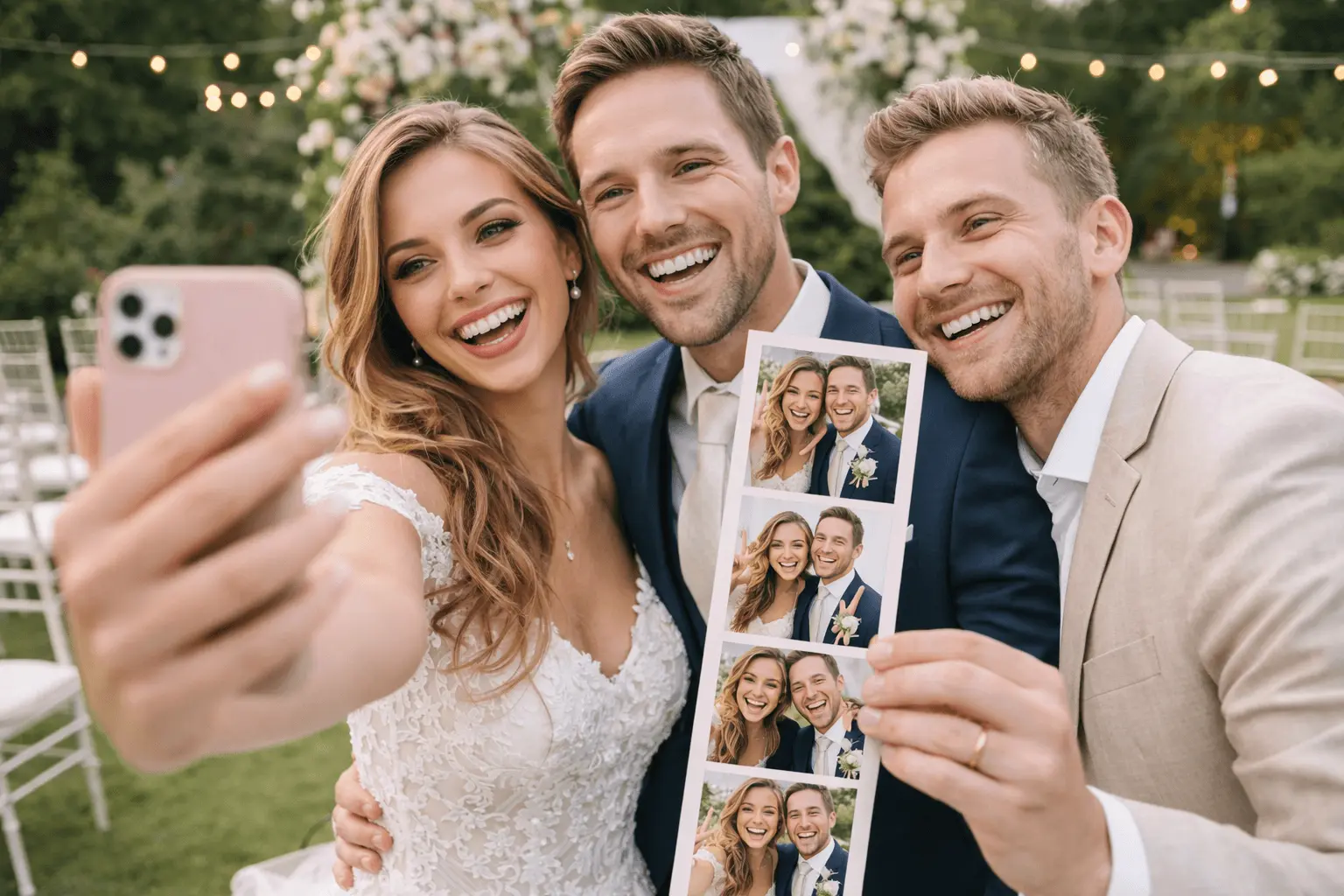
01
Pair a clean white frame with portraits from the day, or take a quiet photo together after the celebration. Choose a white or softly aged border to keep the attention on the people in the picture.
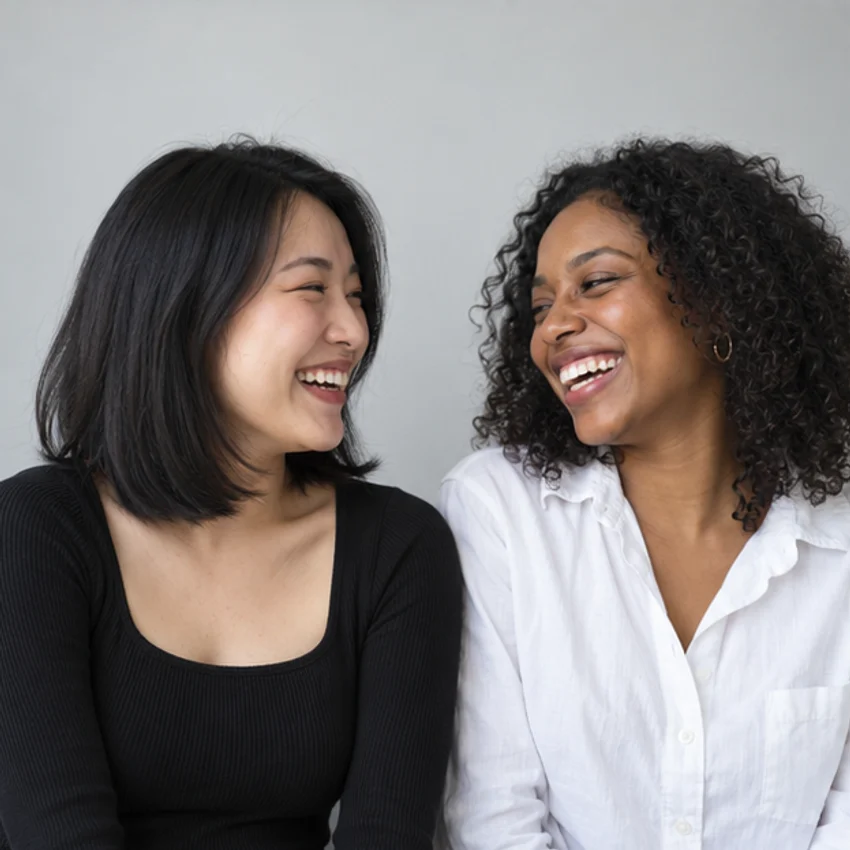
02
Lean in, swap a look, then let the laughter happen. A black and white strip gives a casual afternoon the feeling of an old booth print, especially when each photo has a different expression.
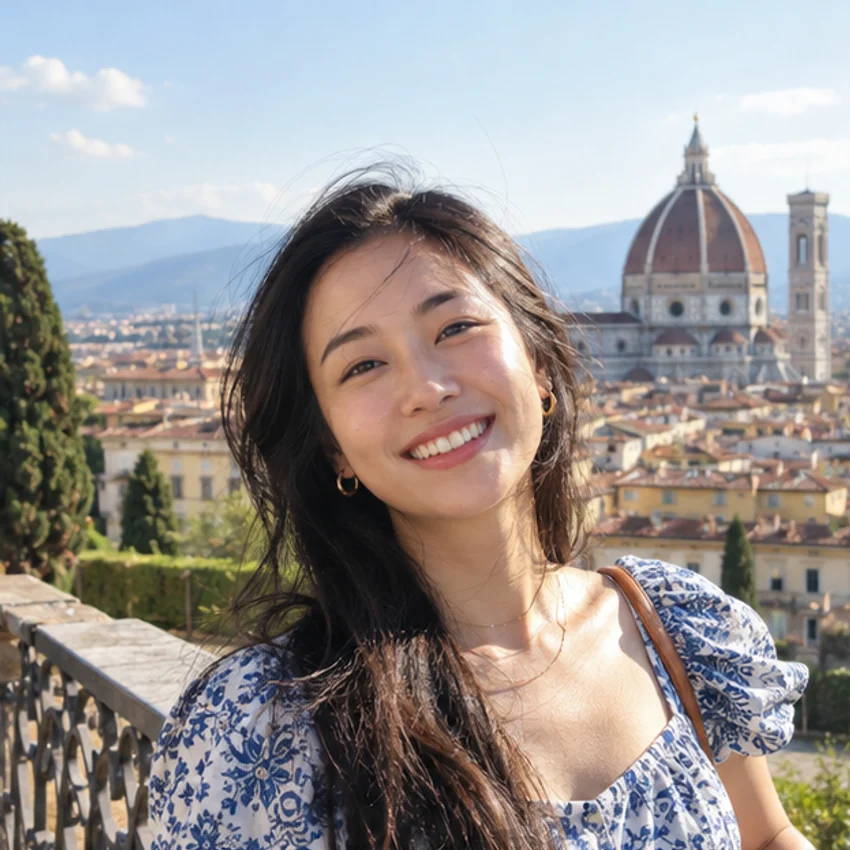
03
Try a plain dark top against a light wall, or a light shirt against a darker background. Face the lens for one photo, then turn slightly. Noir can add contrast without needing a busy backdrop.
Start relaxed and change one thing at a time: your hands, your gaze, or your distance from a friend. Mix these ideas to suit the layout you choose.
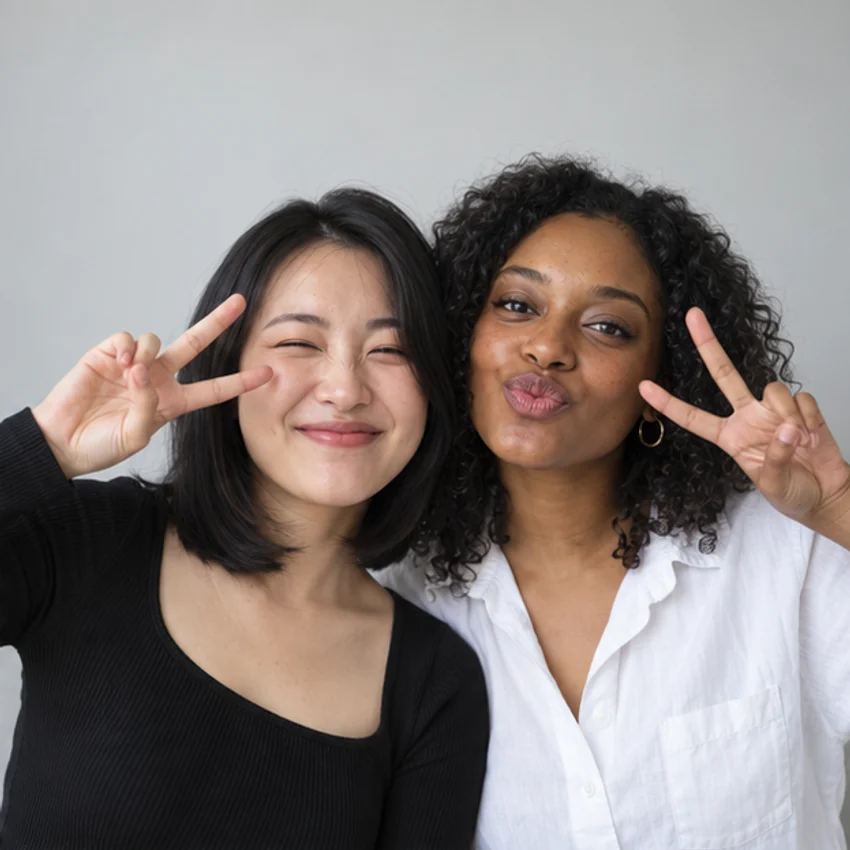
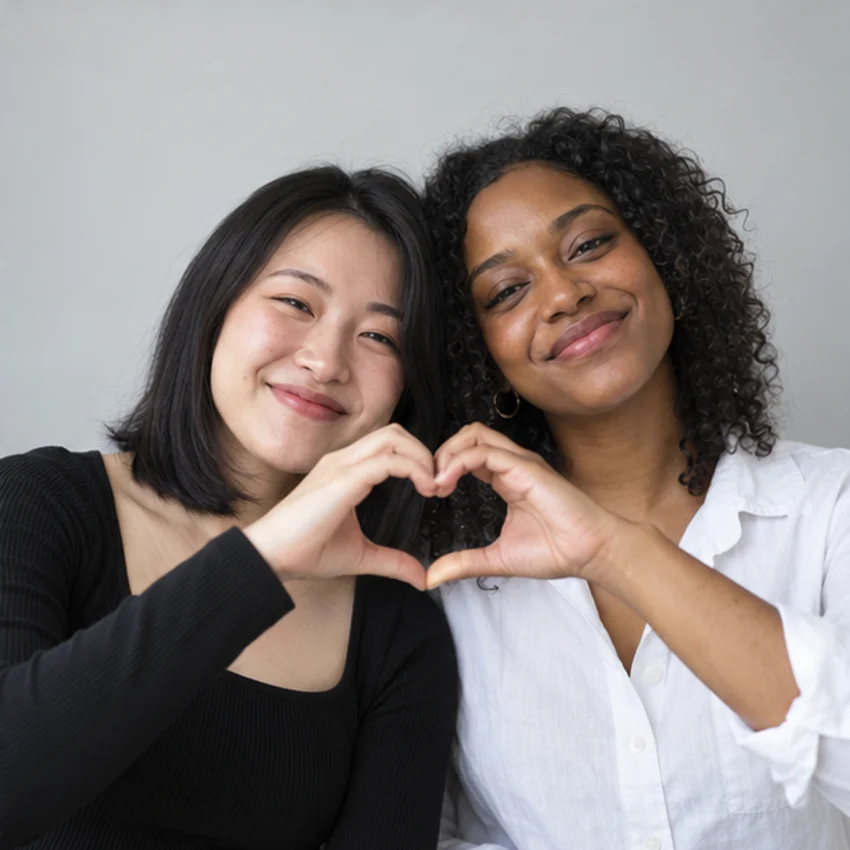
You don’t need a studio to make a clear black and white photo. Set up your light and background first, then check the camera preview before the countdown.
Stand facing a window, or use an evenly lit room. Avoid a bright window directly behind you: it can leave faces too dark, and a stronger contrast filter can deepen those shadows.
A plain wall, curtain, or uncluttered corner is enough. Choose some contrast between your clothes and the background so your shoulders don’t disappear into the same shade.
Set the camera near eye level and leave space around heads and hands. Check your chosen strip or grid layout, then adjust the crop of uploaded photos before you continue.
Yes. You can take or upload photos, choose a template and layout, customize the result, and download a PNG for free. No account or sign-up is required.
Choose a frame on this page to open Capture with its monochrome filter selected. Pick a layout, take or upload your photos, then continue to Customize. Review the preview and download your finished strip.
Yes. Upload your color pictures and use Grayscale for a straightforward monochrome conversion, or Noir for stronger contrast. You can change filters in Customize before downloading. The selected effect appears in the saved PNG.
Yes. Choose a single-photo, strip, or grid layout in Capture. The layout controls the number of pictures. You can switch templates in Customize; this page’s sample strips do not limit your layout choice.
Yes. Use your own wedding or celebration photos, or take new pictures together. A simple white or black frame works well with formal outfits. Add names or a date beneath your portraits before downloading. This is an online photo tool, not an event-booth rental service.
Not necessarily. A professional glam booth may combine studio lighting, monochrome processing, and skin retouching. Our Grayscale and Noir filters change color and contrast; they do not reshape faces or smooth skin. Soft, even lighting helps you create a clean portrait.
You can use a compatible mobile or desktop browser. Allow camera access for live photos, or upload pictures instead. On iPhone, the finished image may open in a save view; touch and hold it to access your browser’s image-saving options.
Yes. Review your pictures in Capture and replace the ones you want to change. You can also use Retake Photos below the download button in Customize to return to the camera step.
Make a photo strip that feels like a memory already. Pick a frame, bring your favorite people, and see what happens between poses.