Good Times
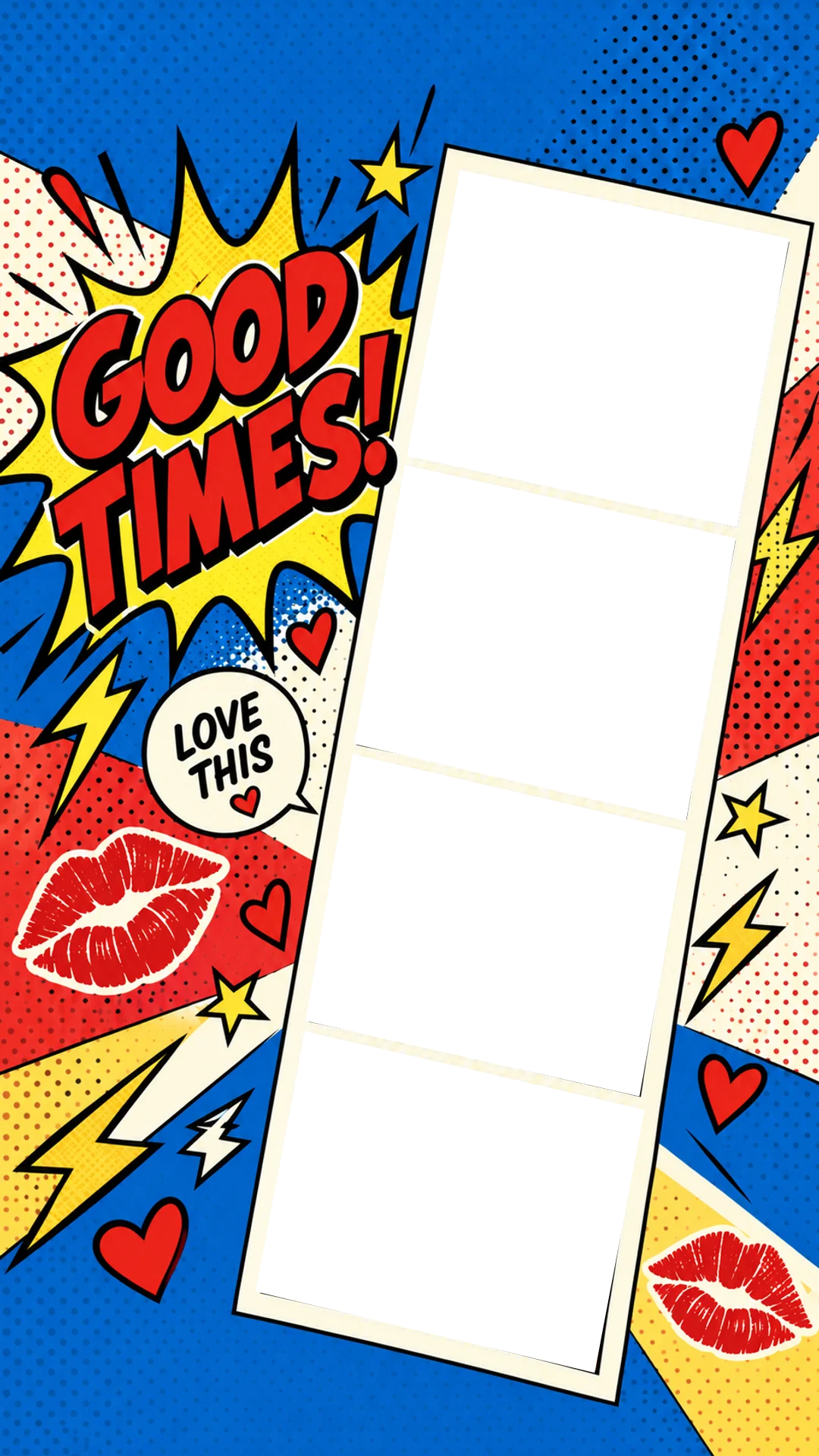
Comic-book pop art: a GOOD TIMES! burst, halftone dots, lightning bolts and red lips around a cream strip. Loud, bright and made for party nights.
9:16 · 1080 × 1920 · Ready for your Story
Pick a full-screen Story background, take or upload four photos, and they drop straight into the tilted photo strip. Add a filter or stickers, then download the whole Story or just the strip.
Free · No sign-up · Works on phone and desktop
7 Story backgrounds
Each background is a finished 9:16 design with its own title, stickers and a tilted four-photo strip. Your photos fill the strip in order, so the Story is done the moment you finish shooting.
Comic-book pop art: a GOOD TIMES! burst, halftone dots, lightning bolts and red lips around a cream strip. Loud, bright and made for party nights.

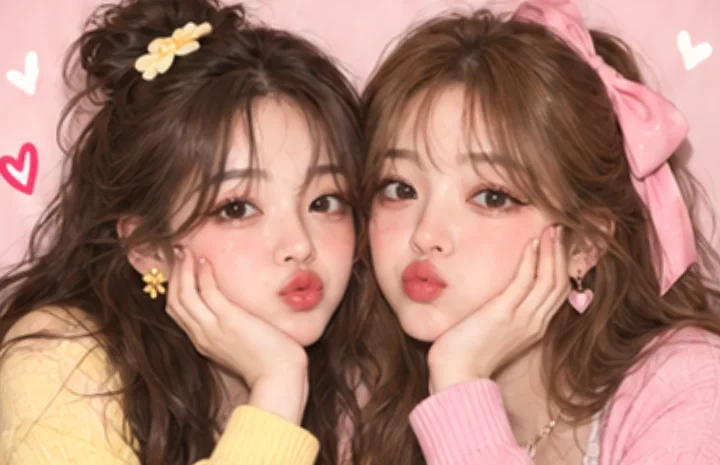

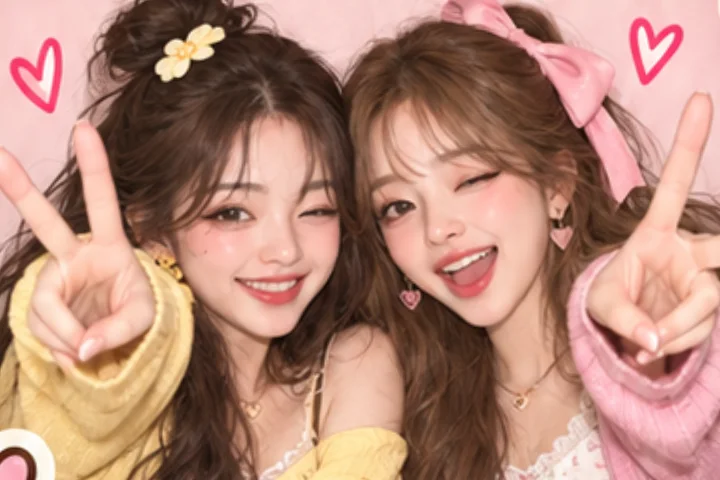
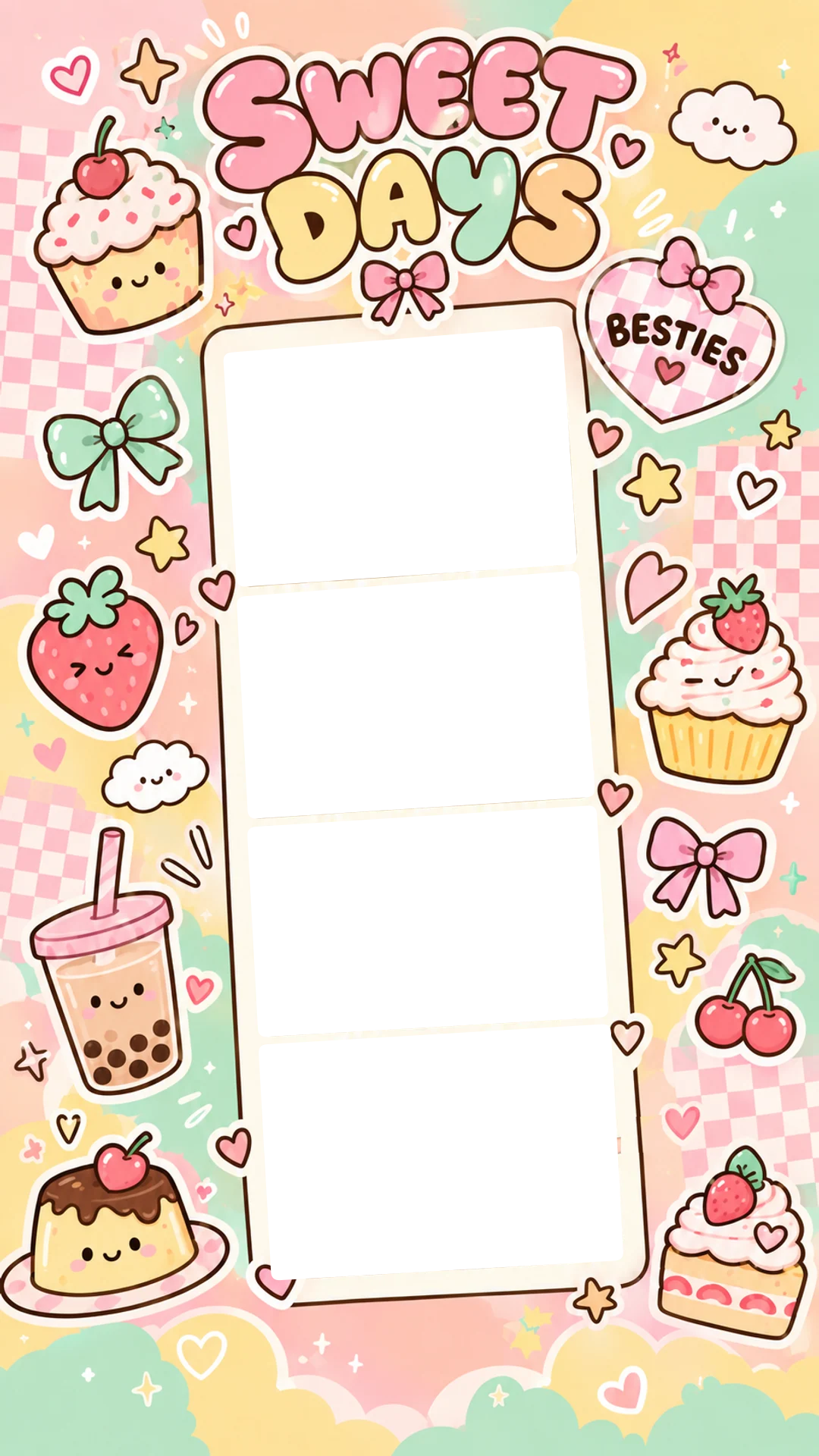
Pastel kawaii stickers: cupcakes, boba, strawberries, bows and a BESTIES heart around a rounded cream strip. Cute for café dates and sleepovers.
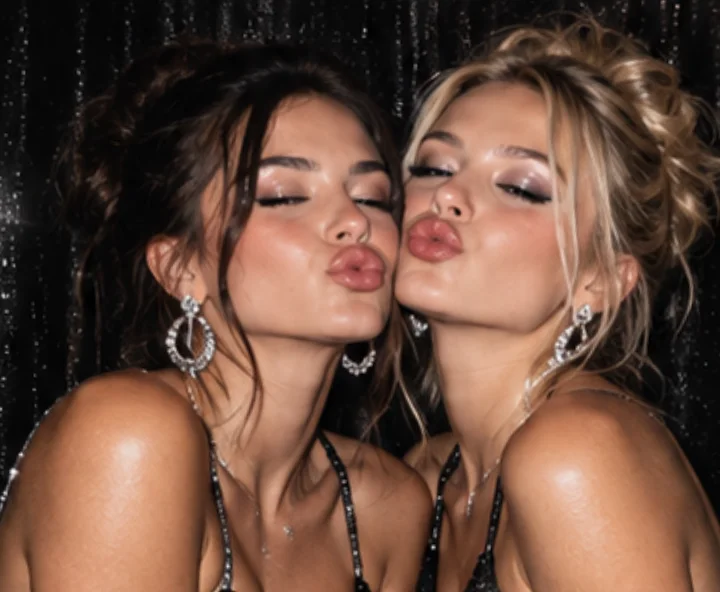
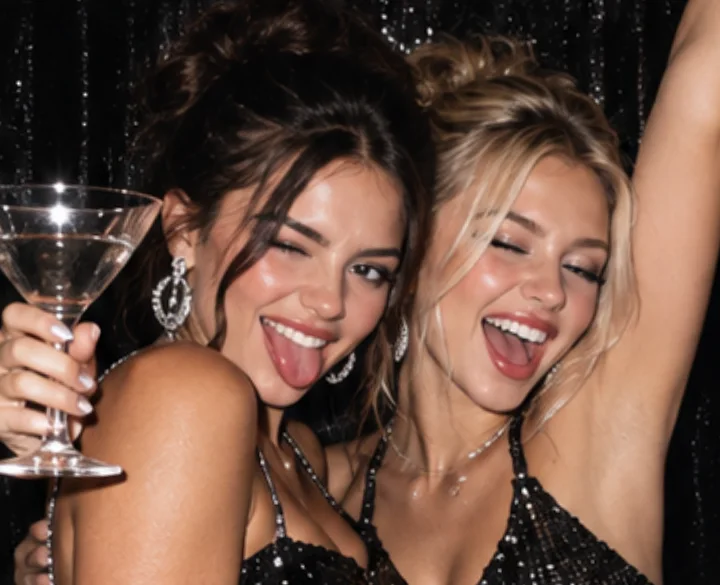
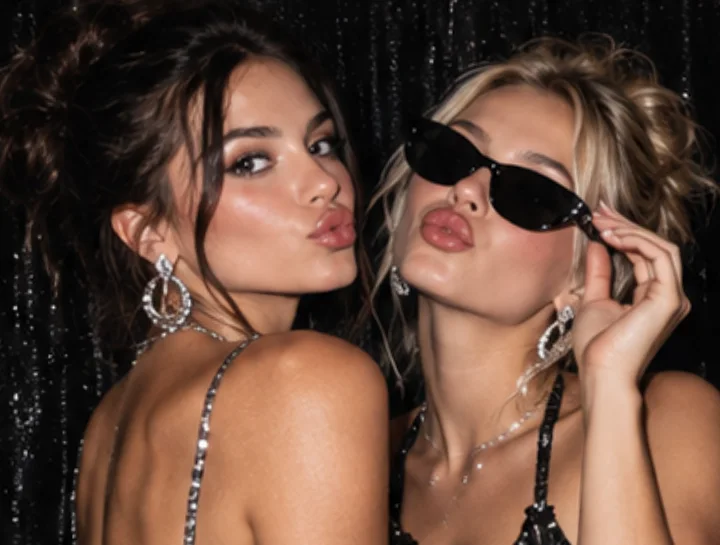
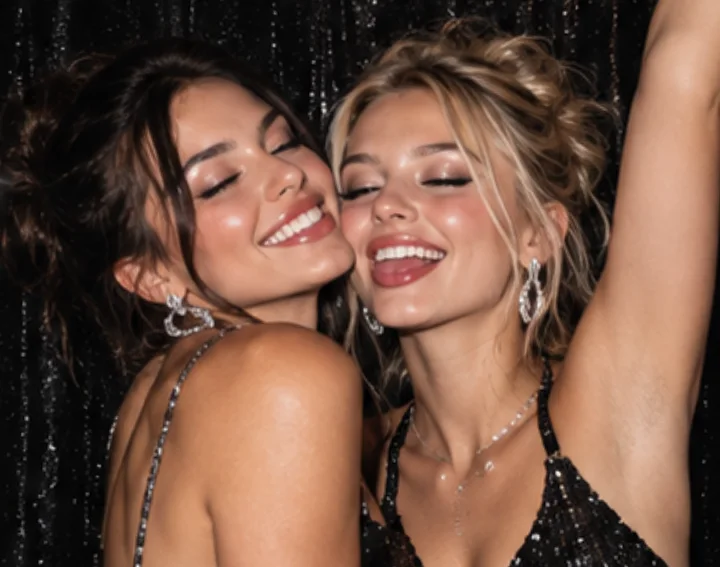
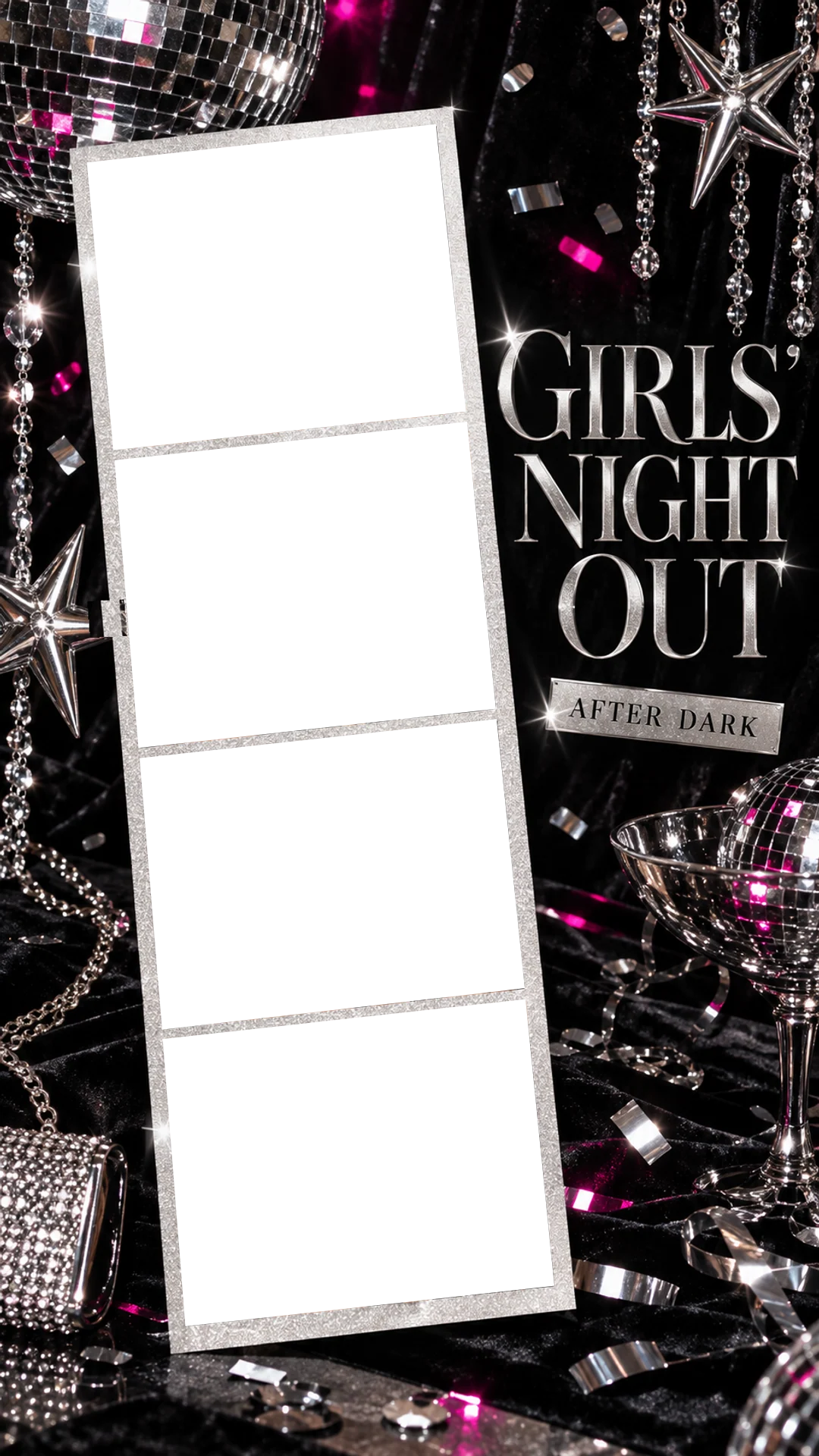
Black velvet, disco balls, crystal strands and silver lettering that says AFTER DARK. A glittering silver strip for nights out.
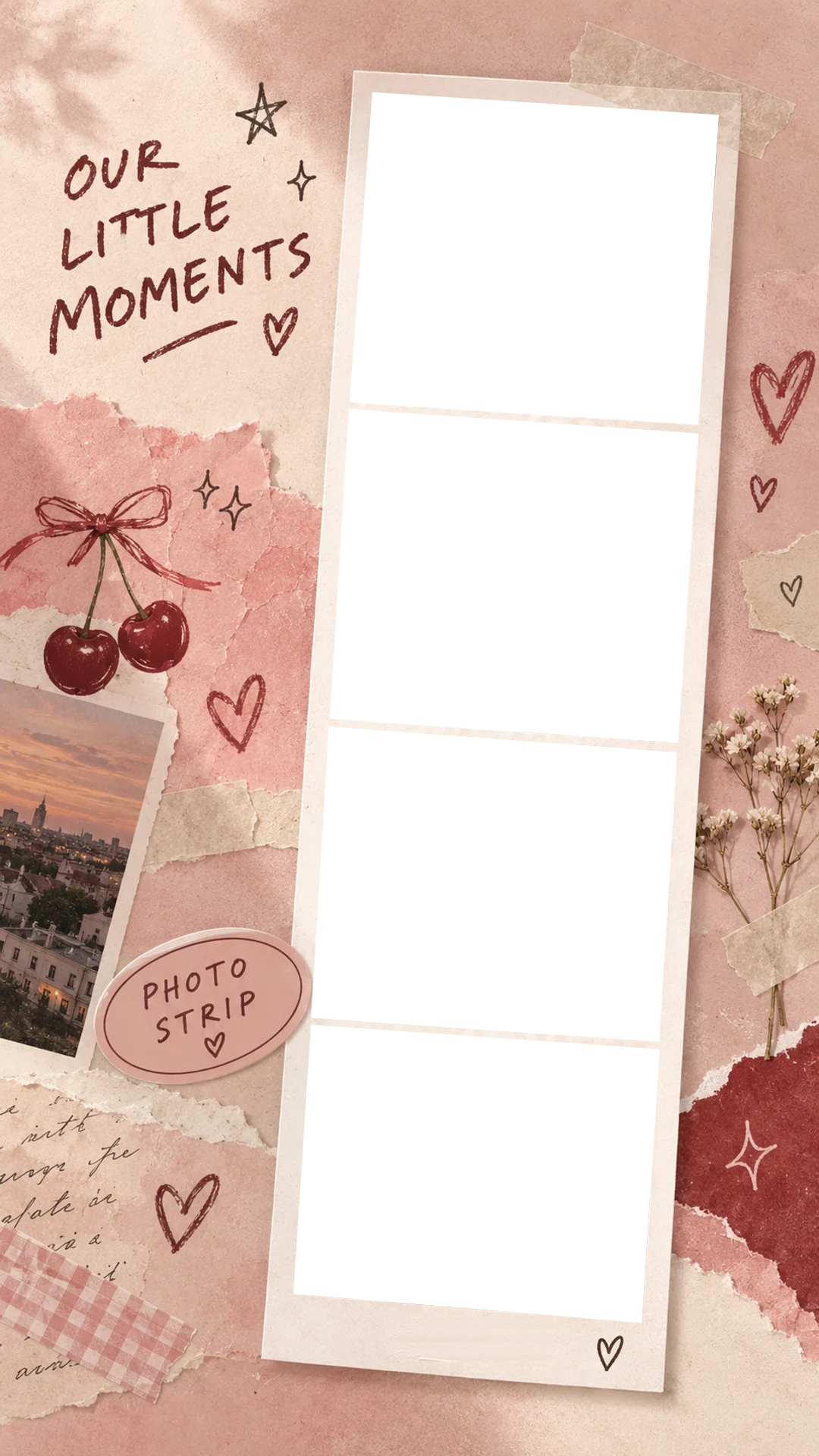
A pink scrapbook page with torn paper, washi tape, cherries and handwriting. The strip is dated with the month you take the photos.
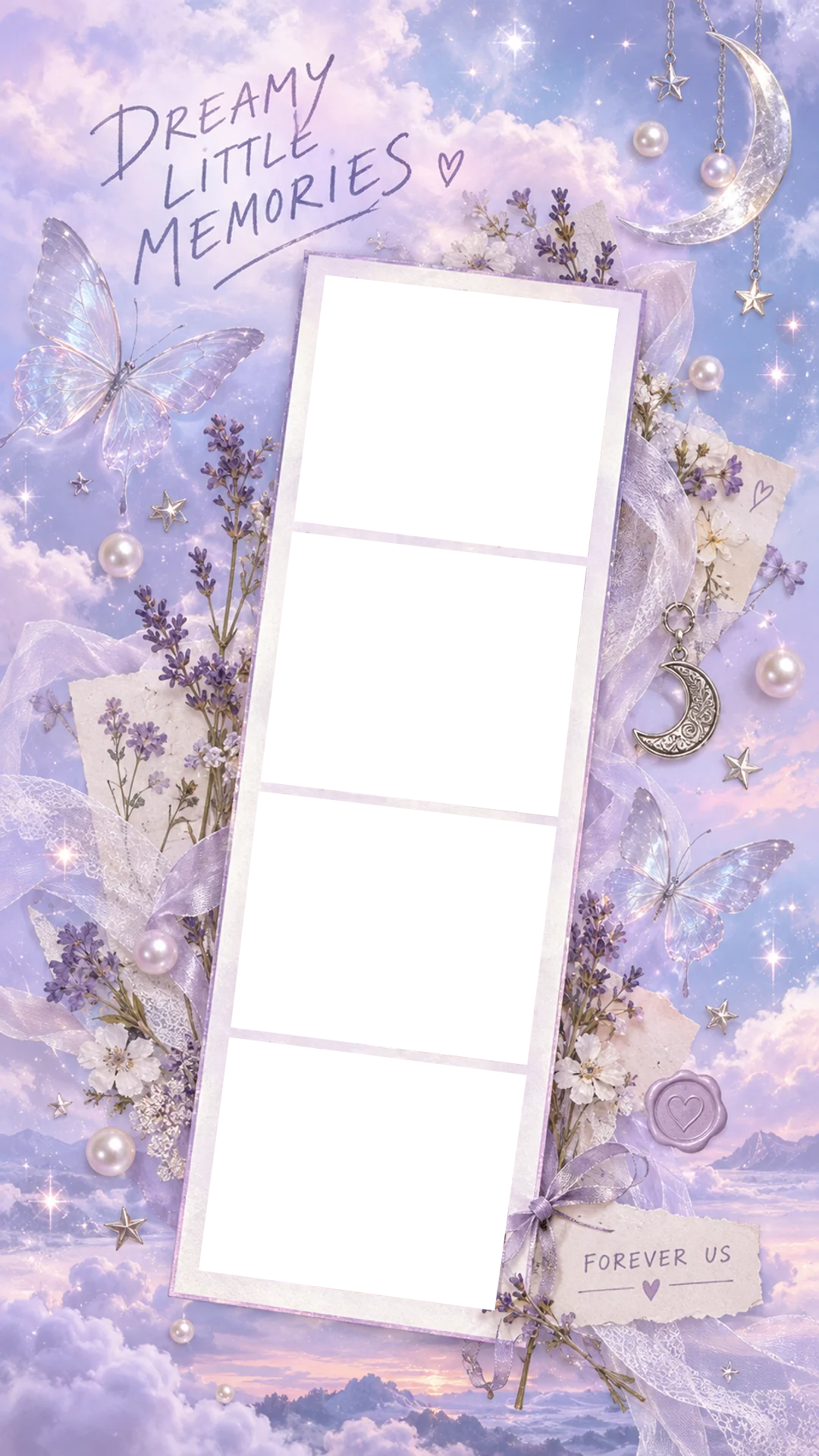
Lavender sky, pearls, crescent moons, glass butterflies and pressed flowers. Soft and dreamy, with a FOREVER US tag.
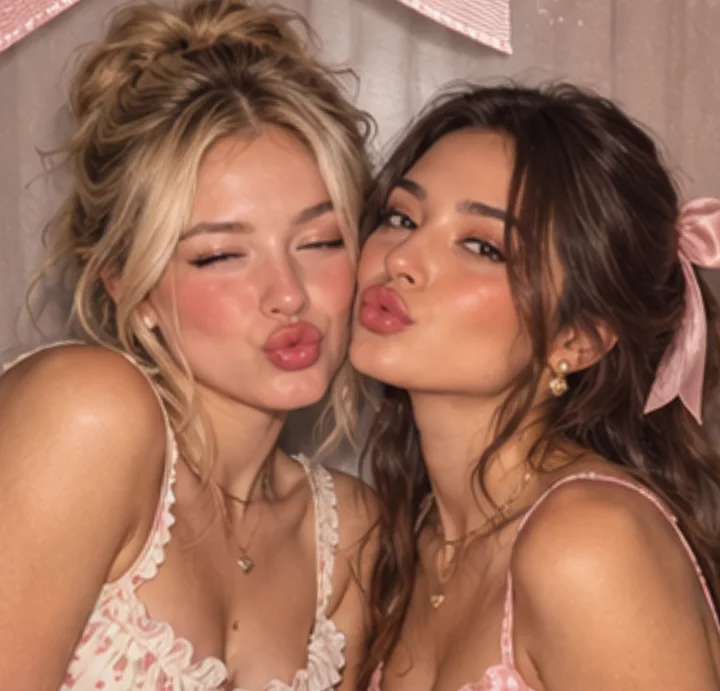
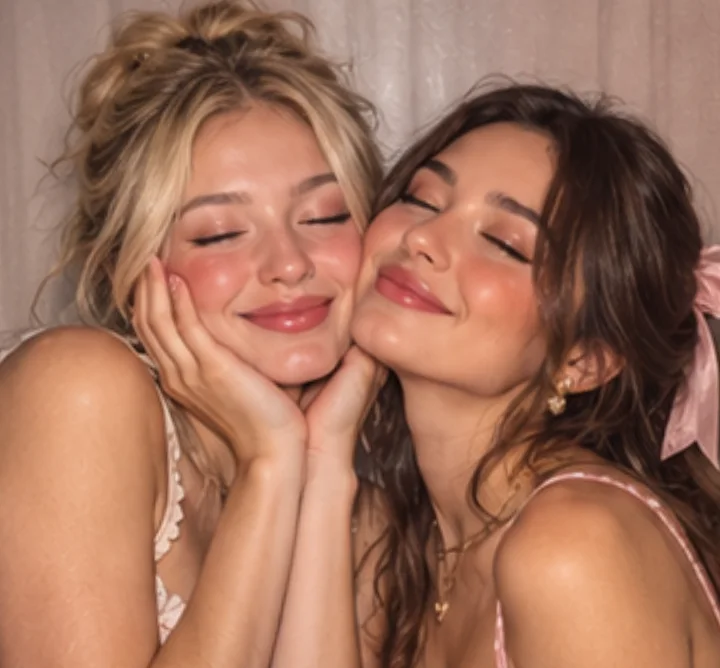
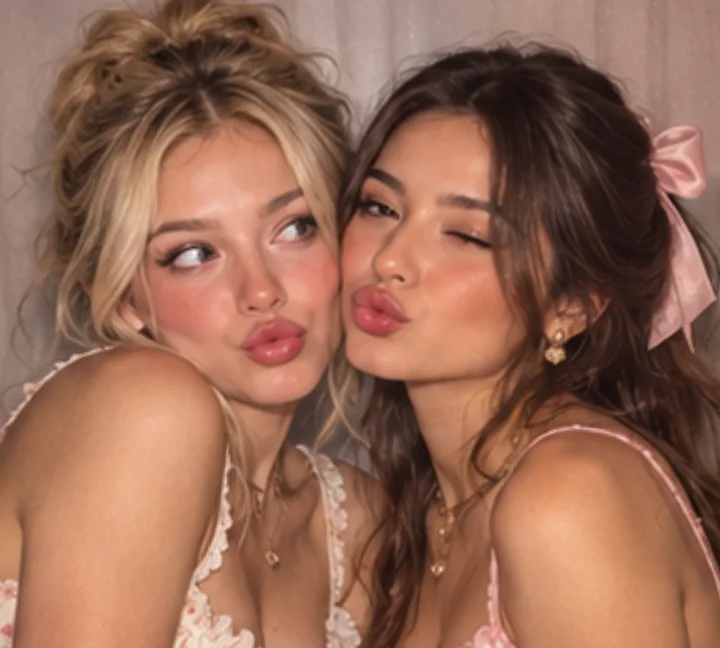
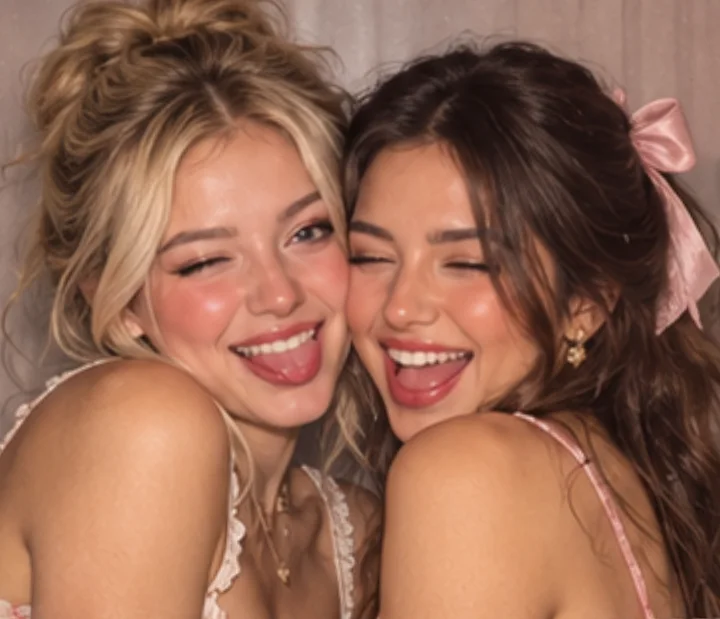
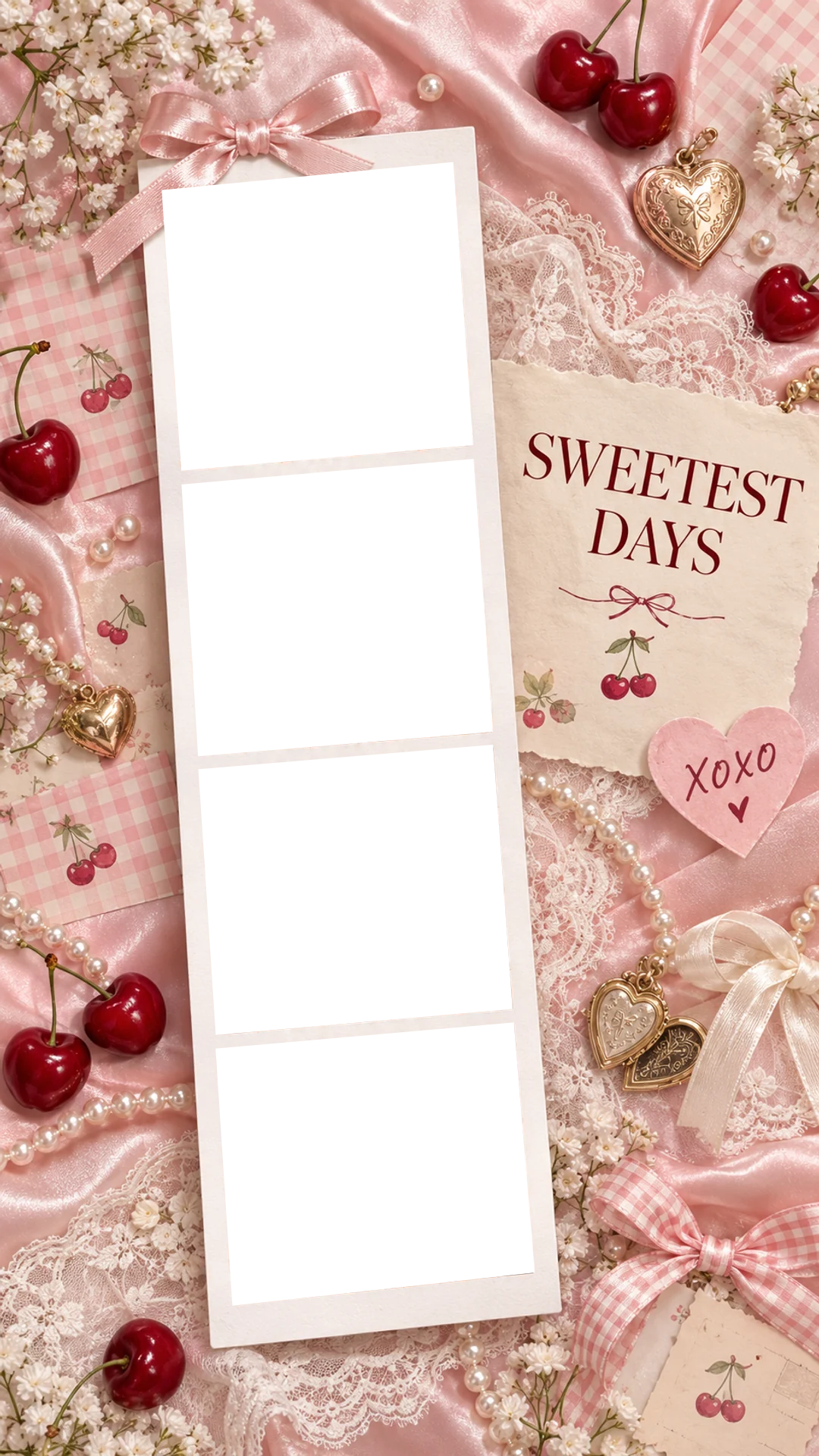
Coquette pink satin, cherries, pearls, lace and heart lockets, with a satin bow tied over the top of the strip.
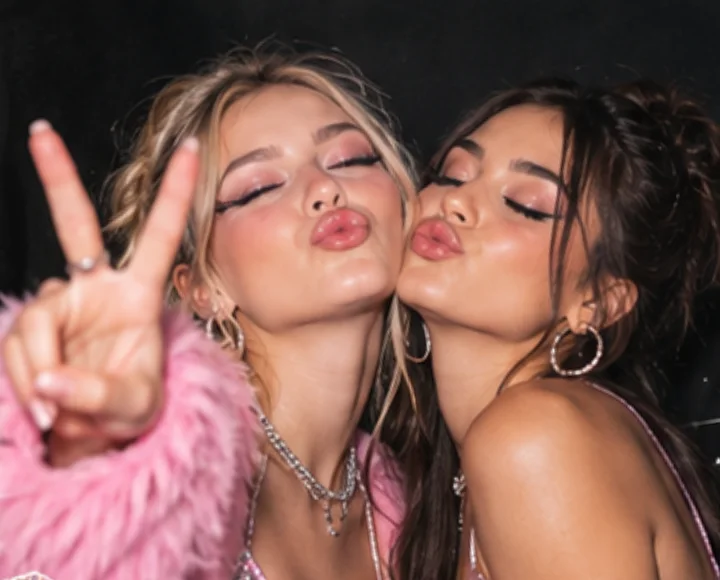
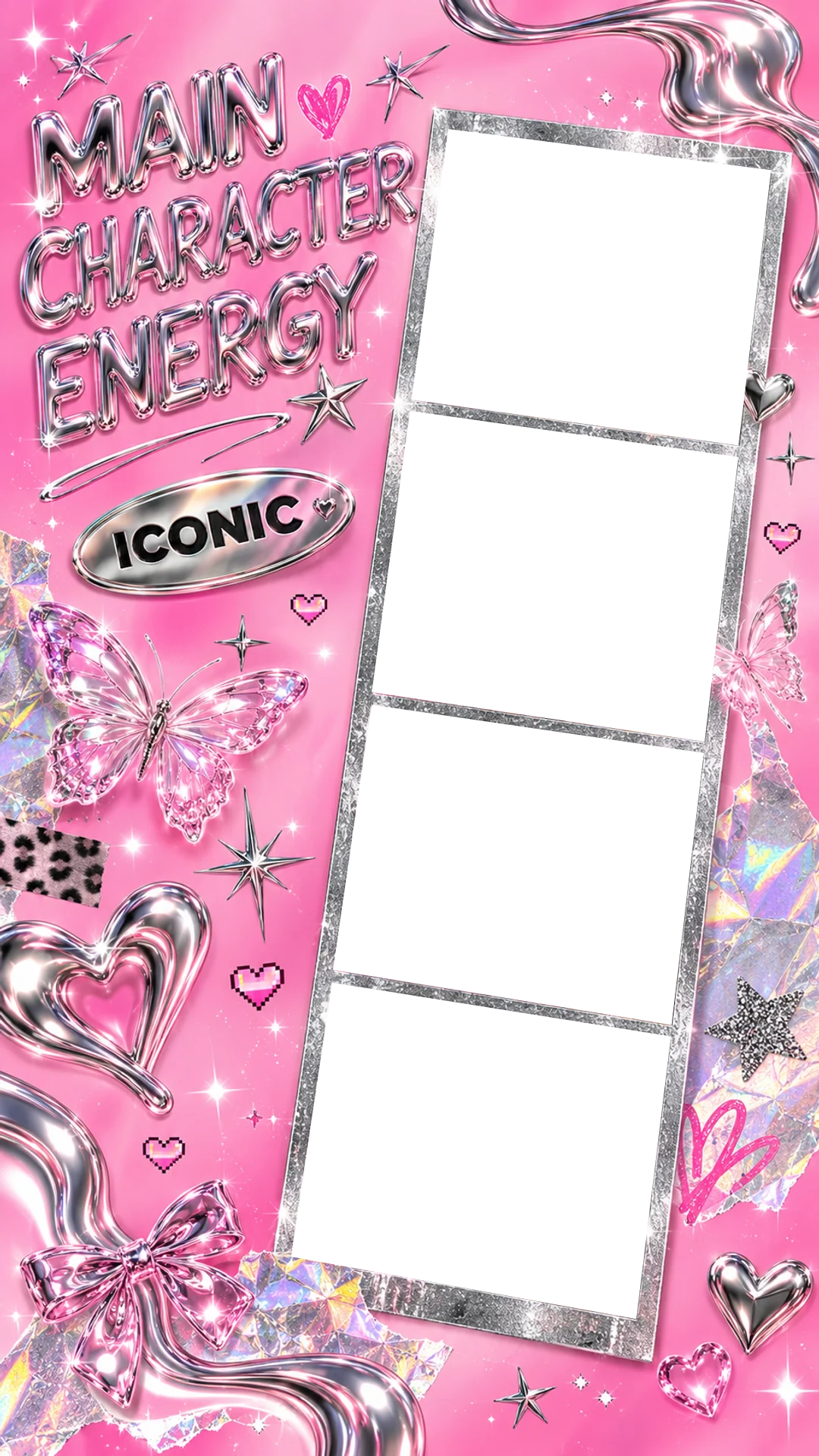
Hot pink Y2K chrome: liquid-metal hearts, a holographic butterfly and an ICONIC badge around a glitter strip.
Everything happens in your browser, from the camera to the finished PNG.
Choose one of the seven Story designs above. Each one is set up for four photos, so there is no layout to choose.
Use the camera with an instant shot or a 3-second timer, or upload from your gallery and position each photo. Retake any single shot you don't like.
Switch backgrounds to compare, try a filter, and drop stickers anywhere on the Story — on the photos or the background.
Save the full 1080 × 1920 Story, or tap Download strip only for just the straightened photo strip. Then add it to your Story.
Match the background to where you are and who you're with. A few starting points:
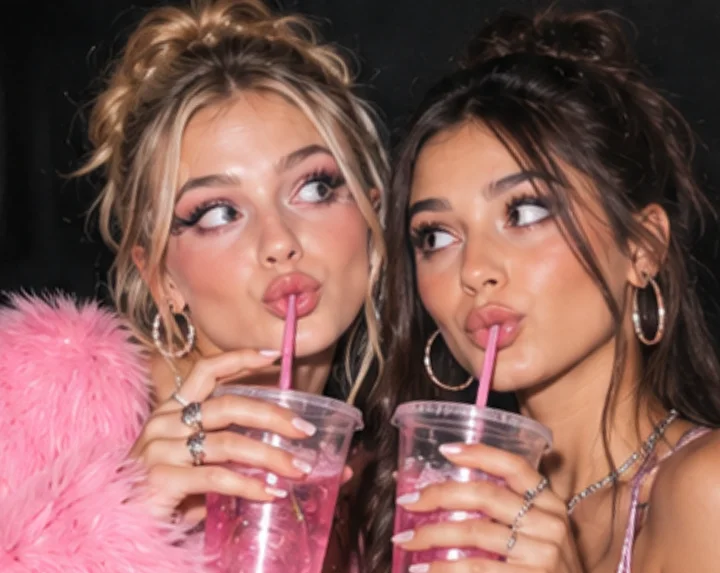
Shoot before you head out, while the lighting and makeup are fresh. Raise a glass in one frame and go full laughing in the next.
Try Girls' Night OutCheek to cheek with matching hair clips or bows. Soft pink tones suit the pastel sticker background.
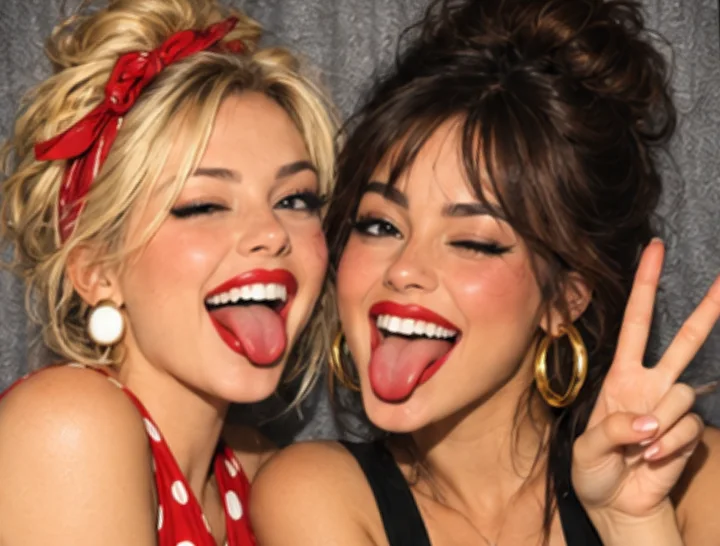
Try Sweet DaysBig laughs, red lips and sunglasses. The pop art burst loves exaggerated faces and bold colour.
Try Good TimesCosy knits and real laughter. The scrapbook strip keeps the month you shot it, like a dated keepsake.
Try Our Little MomentsFour photos go fast. Agree on the sequence before the timer starts, so every frame looks different.
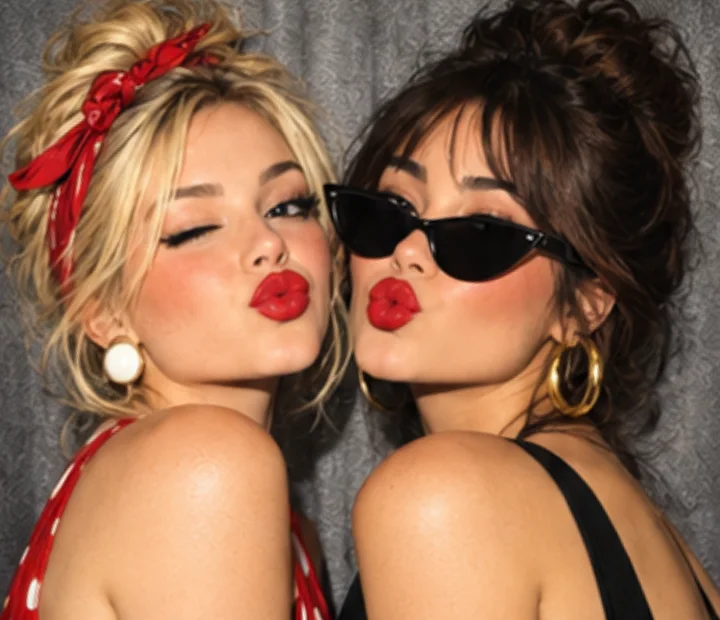
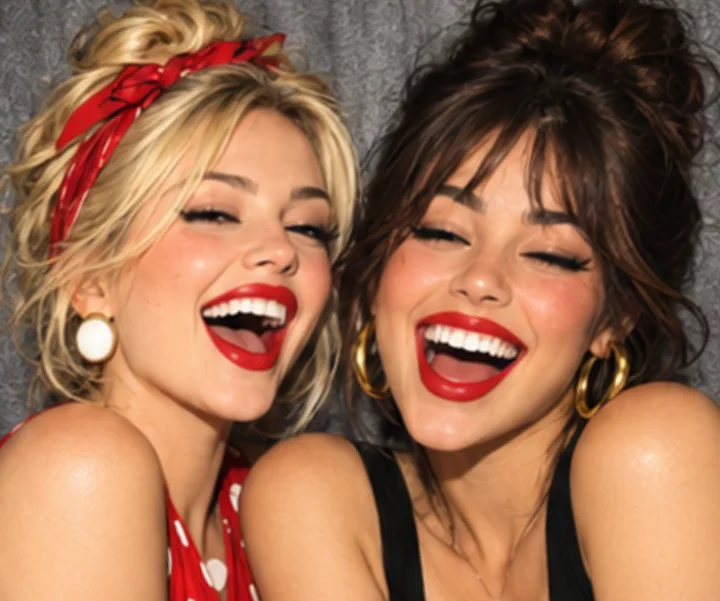
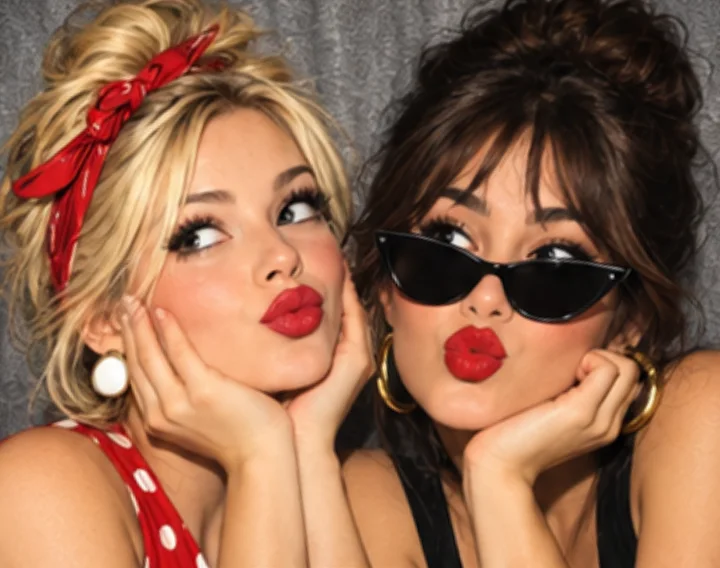
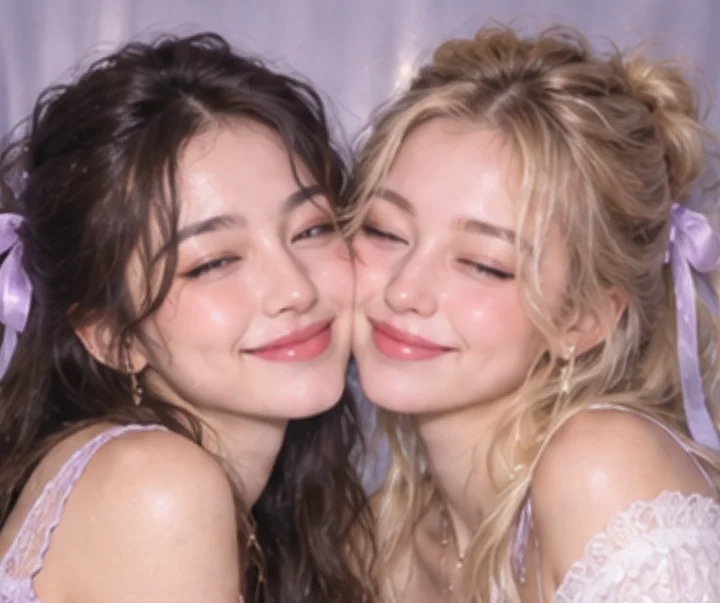
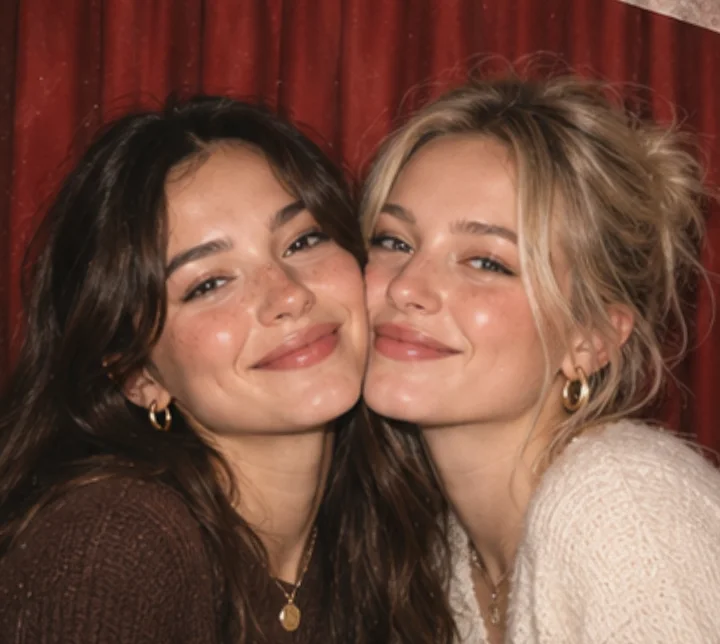
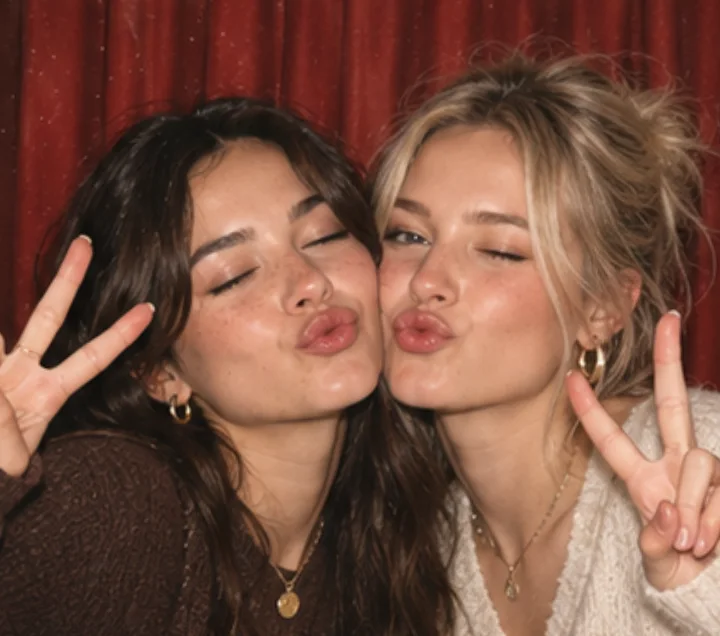
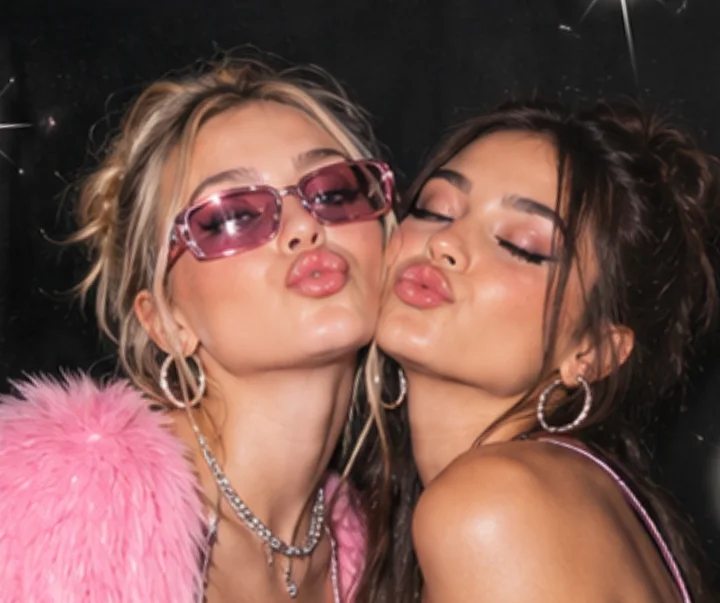
01Lean in close and smile with your eyes. A calm first frame sets up the rest.
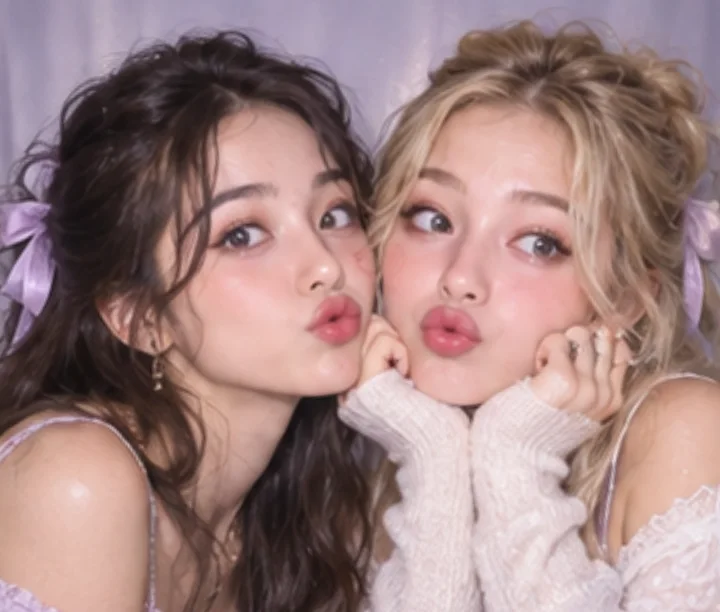
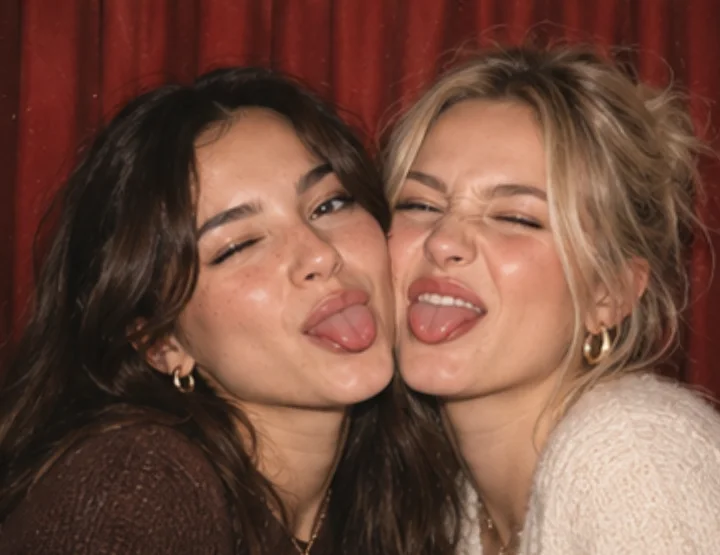
02Chins on hands, matching kissy faces. Copying each other reads well at Story size.
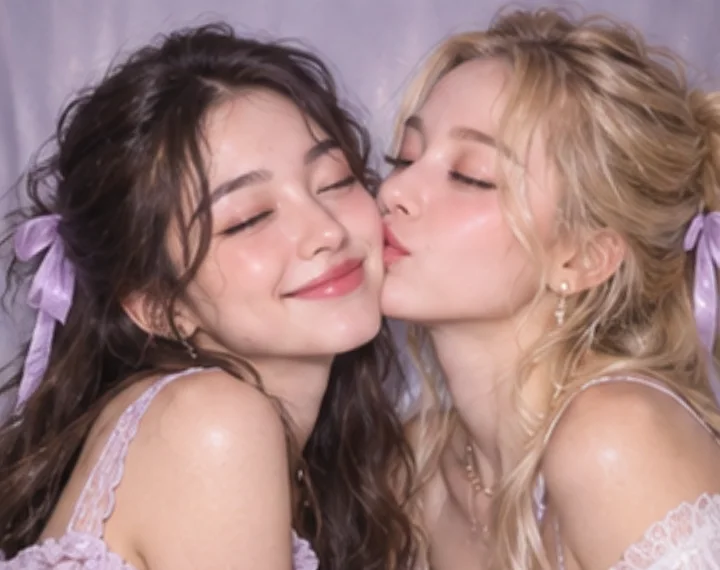
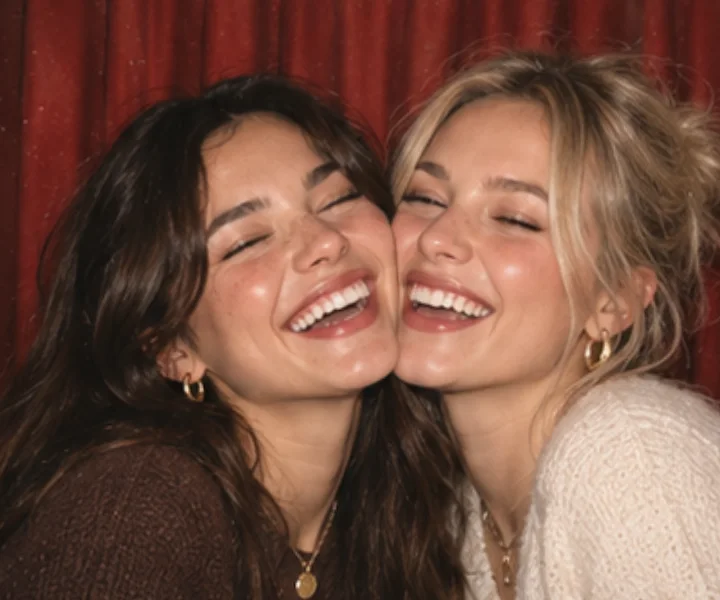
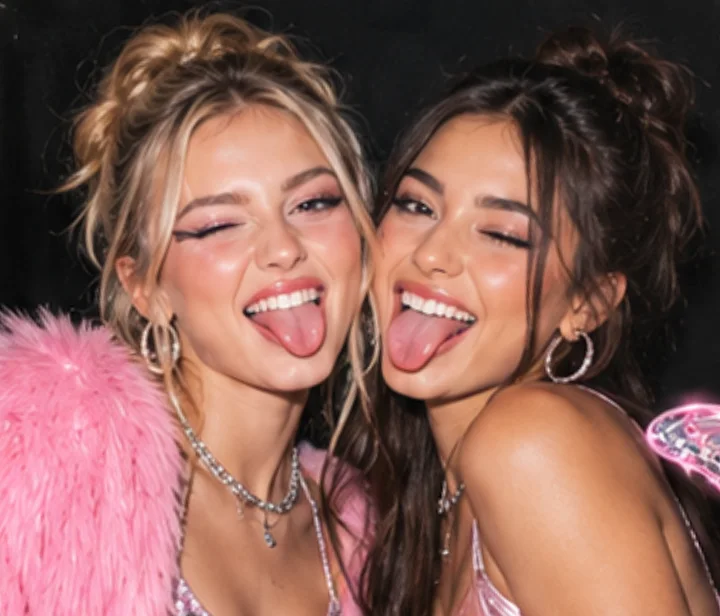
03One leans in for a kiss, the other smiles with eyes closed. The frame everyone screenshots.
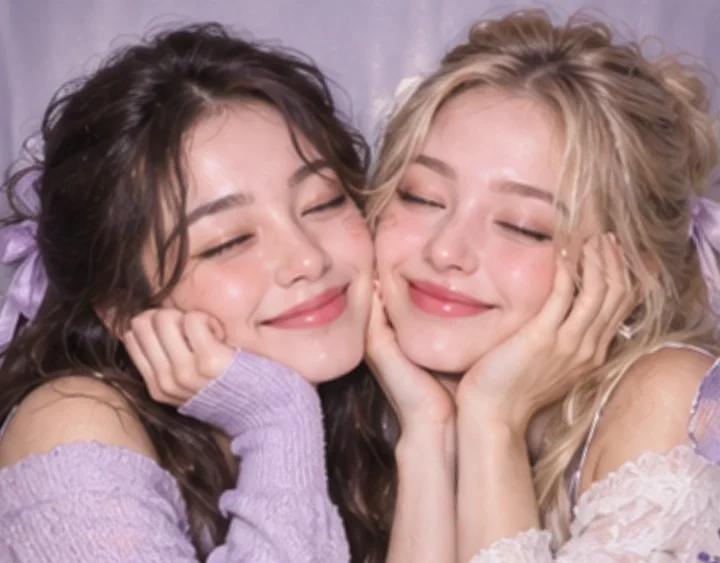
04Hands on cheeks, eyes closed, both relaxed — a gentle ending for the strip.
Every Story background gives you two files from the same photos.
The complete 1080 × 1920 design, ready to post as an Instagram Story or set as a phone wallpaper.
The photo strip on its own, straightened, for a feed post, a message or printing at home.
Sit facing a window or lamp so the light falls on your faces, not behind you. Phone flash makes skin look flat.
Each photo sits in a small window inside the Story. Get close enough that faces fill about half of the frame.
Pick the background that echoes your colours: black and silver for sequins, pastels for soft knits, hot pink for Y2K.
Instagram shows your name at the top of a Story and the reply bar at the bottom, so keep your own stickers away from the very edges.
The full Story is a 1080 × 1920 PNG, the 9:16 size Instagram uses for Stories, so it fills the screen without cropping. The strip-only download keeps the strip at the same resolution.
It's free and there's nothing to sign up for. Open the page, take or upload your photos and download.
Four. Each background is designed around a four-photo strip, so Capture skips the layout choice. Other templates on the site offer other layouts if you want more or fewer photos.
Yes. Choose Upload in Capture, then drag and zoom each photo to frame it. You can mix camera shots and uploads, and replace any single photo.
Yes. In Customize, Download strip only saves the strip straightened, without the background.
Download the PNG, open Instagram, start a Story and pick the image from your camera roll. In Customize, Share → Instagram can also save the image or open your phone's share sheet.
The titles and stickers are part of each design. Our Little Moments letters the current month and year on its strip automatically, and you can add your own stickers on top.
Capture, editing and PNG creation happen in your browser, and downloading does not upload anything. Only if you create a share link is the finished image uploaded so the link can be opened.
Use a current browser on a phone, tablet or computer. Allow camera access to take new photos, or upload instead. Some mobile browsers open the finished image on its own page, where a long press saves it.
Pick a background, grab your favourite people and start shooting.
Start my Story strip